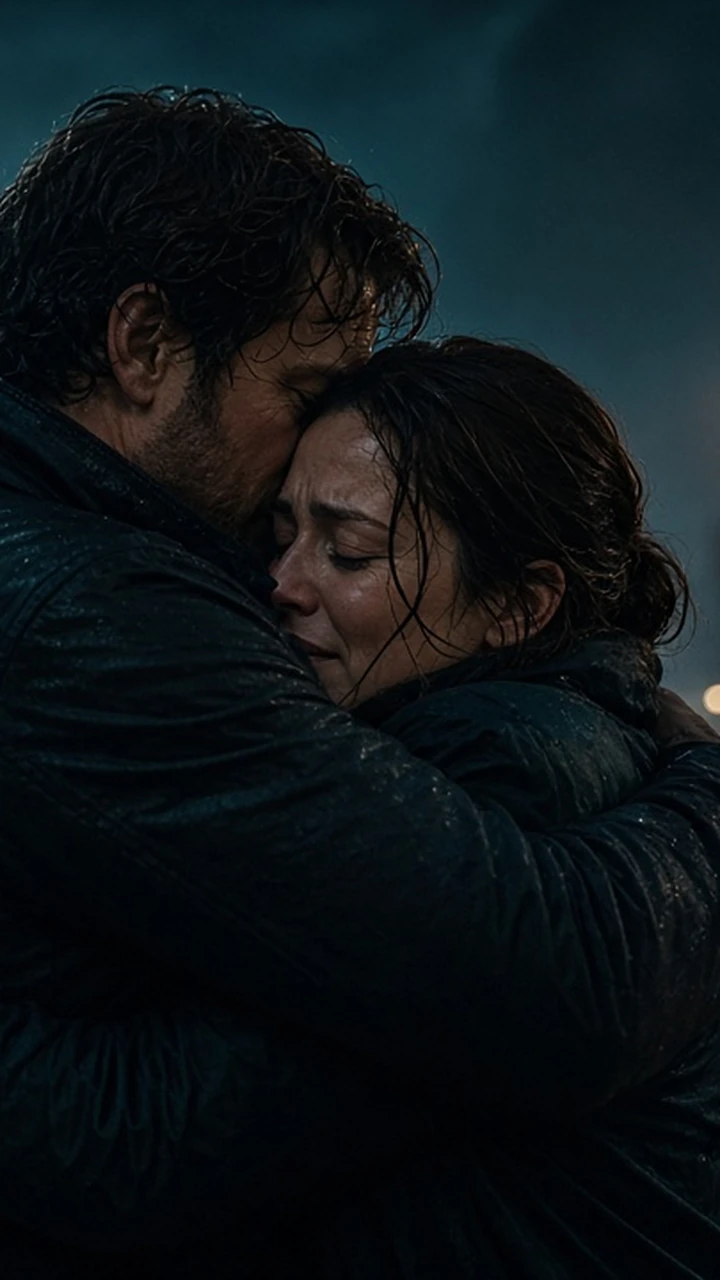
Zombie love story WhatsApp
A zombie love story WhatsApp post is a 12-second 9:16 fictional zombie romance shared as a WhatsApp Status video (it disappears after 24 hours) or sent in a private chat — not a text status or a photo layout — made from two photos as creative reference, with four locked beats (ruined world, a gun that never fires, an AI zombie hug, then a match cut to a warm memory), no gore, and with slot B allowed to be a pet. Zombie Love Story is designed around that SKU; this site does not post to WhatsApp for you, and today it shows sample stills plus a demo checkout that does not charge.
What “zombie love story WhatsApp” actually asks
People type “zombie love story WhatsApp” when they want the AI zombie trend clip on WhatsApp — usually as a Status update their contacts tap through, or as a video dropped into a family or friends chat — not a public Spotlight feed or a Reels grid. WhatsApp’s Help Center says Status shares photos and videos that disappear from view after 24 hours, that a video status can be up to 90 seconds long, and that WhatsApp supports 3GP and MPEG-4 video. On this site the designed file is still one 12-second 9:16 story: two photos as creative reference, four locked beats, silent export, no freeform prompt. Twelve seconds fits one Status card with room to spare; we do not pad toward the 90-second ceiling or export a landscape master.
Sibling guides own the other surfaces. Snapchat owns the Spotlight and Story map. Bluesky owns the federated text-plus-one-video map. Threads owns Meta’s text-plus-video map. Discord is a file-share and spoiler map. Instagram and Reels own the grid and cover-frame checks. CapCut owns the DIY stitch. This page owns the WhatsApp map: Status vs private chat, the 24-hour window, who can see a Status, and the honest product status for searchers who landed here from a forwarded clip.
Where a zombie love story belongs on WhatsApp
Our own posting map for a 12-second 9:16 file. WhatsApp surface on the left; fit and our product limits on the right. WhatsApp Help Center links are in Sources.
| WhatsApp surface | Fit for our 12s 9:16 SKU | What we do / do not ship |
|---|---|---|
| Video status (Updates tab) | Best fit. A full-screen vertical card your contacts tap into; 12 seconds plays all four beats inside one update before it expires after 24 hours. | Designed output is 9:16. We do not write the caption, pick the audience, or share the status for you. |
| Private or group chat video | Good fit for a reveal to the two people in the photos. The clip stays in the chat instead of expiring like a Status. | We do not send messages or read your chats. You attach the file yourself. |
| Text or voice status | Weak fit. Words can name the hug; they cannot show the gun that never fires or the match cut. | No text-status template or voice script. The story is the video. |
| Photo layout status (2–6 photos) | Secondary. A layout of stills can hint at the plot; it loses the motion of beat four. | We do not export a still layout pack. One video is the designed SKU. |
WhatsApp recipe card
- Also searched as
- zombie love story WhatsApp, WhatsApp zombie status video, AI zombie trend WhatsApp, zombie couple WhatsApp status.
- Designed file
- 12 seconds, 9:16, four locked beats, silent. Two photos as creative reference. No freeform prompt on our side.
- Safety
- The gun never fires. No gore. Slot B can be a pet. The clip ships silent — add music yourself in WhatsApp’s status editor after you have a file. We do not name or ship a song.
- What this site does not do
- We do not open WhatsApp, share a status, message a contact, or schedule anything. We do not invent view counts or forwarding tricks.
WhatsApp Status specs that matter for this SKU
Numbers below are taken from the WhatsApp Help Center pages on creating a status, Status basics, and Status privacy (linked in Sources). We do not invent reach or view rates.
| Topic | WhatsApp guidance | Our 12s 9:16 SKU |
|---|---|---|
| Video length | Help Center: status videos can be up to 90 seconds long. | 12 seconds — no trimming needed. |
| Lifetime | Status photos and videos disappear from view after 24 hours. | Post when your contacts are awake; keep the file if you want it later. |
| Format | WhatsApp supports 3GP and MPEG-4 video formats. HD media isn’t supported for statuses, and quality may be lower than the original. | Designed as a 720p MP4 — WhatsApp does not post HD media to Status anyway, so little is lost. |
| Audience | By default, status updates go to all your contacts; you can choose My contacts except… or Only share with…. Changes don’t affect statuses already sent. | Pick the audience before you send — the people in the photos should be fine with it. |
| Mentions | You can add up to 5 private mentions; people or groups you mention can see and reshare it even if they are outside your audience. | Mention only people who agreed to be in the clip. |
DIY CapCut path vs locked beats on WhatsApp
Same zombie romance people want to post. The columns are who stitches the hug to the memory — not two different movies. The CapCut column follows the trend explainers listed under Sources; our side is the locked 12s SKU.
| Step | DIY in CapCut, then WhatsApp | Zombie Love Story |
|---|---|---|
| Input | Prompts (and often stills) for a cold clip and a warm clip. | Two photos as creative reference. A holds the gun; B has turned (or B is a pet). |
| Join hug → memory | You cut and match in CapCut, then export and pick the file in WhatsApp’s Add status screen. | Beat four is already the match cut. No CapCut project on our side. |
| Length / aspect | Whatever each generation returns; you trim with WhatsApp’s slider or before upload. | 12 seconds, 9:16, 720p listed SKU — already Status-shaped. |
| Prompt field | You write shot lists. Faces and arms can drift between the two clips. | No freeform prompt here. Four locked beats on every world. |
How Zombie Love Story’s two-photo walk fits WhatsApp
WhatsApp’s video status flow is Updates > Add status, pick a video, then add a caption, text, stickers, drawing, or music before you tap Send. Our product design targets a short vertical story that already matches that full-screen 9:16 card. We do not claim a production MP4 is delivered today, and we do not open WhatsApp, caption, mention, or share anything for you.
Slot A is the adult who holds the gun. Slot B has turned. Mark B as a pet if the second still is a dog or a cat — that only relabels B. Each file is JPG, PNG, or WEBP, 10MB or less. After photos you pick a world — snow cabin, rain street, wasteland road, or wheat dusk — then five consent boxes: 18+; rights or permission for every photo; no minors, public figures, or strangers; you understand the clip is AI-made stylized fiction, not a portrait; you understand beat two is a raised gun that never fires. Safety filters may still reject a clip.
What a WhatsApp contact sees in 12 seconds
Status viewers can tap forward to the next update at any moment, so beat one has to open on the ruined world with both faces readable. Beat two raises a gun that never fires. Beat three is the hug. Beat four match-cuts to a warm memory. That is the whole WhatsApp package for this SKU. A caption can say who the couple is; it cannot replace those four beats. Keep added text and stickers off the faces and the hug, and remember the card is gone from Status after 24 hours.
Sample stills (preview shape)
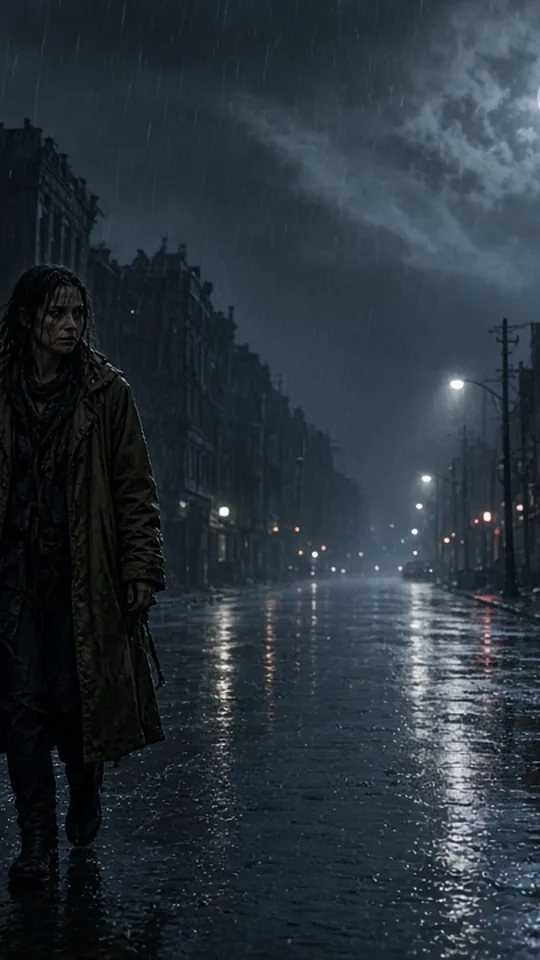
Beat 1 — ruined world
Both characters on camera before anyone taps forward.
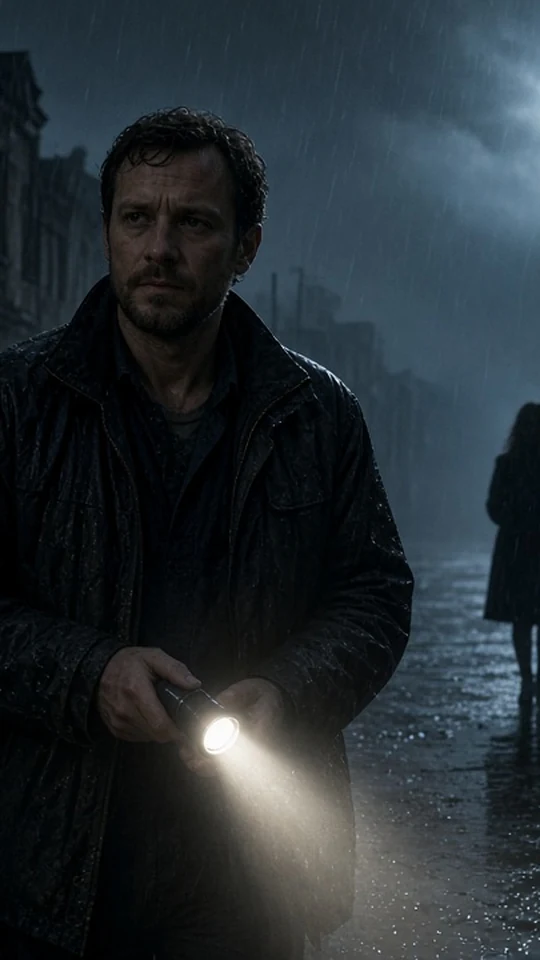
Beat 2 — refusal
The gun never fires. No gore.

Beat 4 — match cut
The warm memory lands last. Keep stickers and caption text off it.
The four locked beats WhatsApp still has to carry
Same four cards on every world. You do not write them.
0:00Apocalypse
The world is already cold. Both characters stay on camera.
0:03The gun
The gun goes up and never fires. No flash, no blood.
0:06The hug
Arms close. Both characters stay on camera.
0:09Memory
A match cut to a warm memory of both stylized characters, well.
WhatsApp Status checklist (after you have a file)
- Share it as a video status, not a text status or a photo layout — those hide the four beats.
- Set Status privacy first: My contacts, My contacts except…, or Only share with…. Changes don’t reach statuses already sent.
- Mention only people who agreed to be in the clip; mentioned people can reshare it.
- Stay at 12 seconds. Do not pad toward the 90-second status limit.
- Add music in WhatsApp’s editor if you want sound, or leave the silent file. We do not name or ship a song.
- Save the file yourself — the Status disappears after 24 hours.
- Expect sample stills on the preview path. Checkout is a demo and does not charge. Live paid generation is not connected for mass production.
Honest status for WhatsApp sharers today
The preview walks cinematic sample stills so you can see the WhatsApp Status shape. The unlock step may list $6.99 for one 12-second 9:16 clip, but checkout is a demo and does not charge, and live paid generation is not connected for mass production. If you need a WhatsApp clip right now, use a tool you already have with our public four-beat prompt, or wait until paid generation is live.
We do not claim WhatsApp reach tricks, forward-count hacks, or a viewer number. The WhatsApp Help Center covers the 90-second status video limit, the 24-hour lifetime, 3GP/MPEG-4 support, and Status privacy; we cite those pages below. Our exclusive map is how the two-photo, four-beat, 12-second 9:16 SKU sits in a Status or a private chat — versus a CapCut stitch, a Snapchat Spotlight, or an Instagram Reel — and what this demo site will not fake.
- Walk the maker
- Zombie love story Snapchat
- Zombie love story Bluesky
- Zombie love story Threads
- Zombie love story Facebook
- Zombie love story Instagram
- Zombie love story Reels
- Zombie love story TikTok
- Zombie love story Discord
- Zombie love story CapCut
- Zombie love story prompt
- How to make a zombie love story
- Zombie match cut
- AI zombie hug
- Photo guide
- See pricing
Questions
What is a zombie love story WhatsApp post?
A 12-second 9:16 fictional zombie romance shared as a WhatsApp Status video or sent in a chat, with four locked beats: ruined world, a gun that never fires, a hug, then a match cut to a warm memory.
Is 12 seconds too short for a WhatsApp Status?
No. WhatsApp allows status videos up to 90 seconds; 12 seconds plays all four beats in one card with no trimming.
Should I use Status or send it in a chat?
Status if you want your contacts to see it for 24 hours. A private or group chat if it is a reveal for the two people in the photos and you want it to stay in the conversation.
Can I hide the Status from some contacts?
Yes, in WhatsApp’s Status privacy: My contacts, My contacts except…, or Only share with…. WhatsApp says changes don’t affect statuses you already sent, and people you mention can see it even outside your audience.
Is this the same as the Snapchat guide?
No. This page is WhatsApp (Status and chats). Snapchat has its own Spotlight and Story map on the Snapchat guide. Same 12-second 9:16 four-beat file; different surface and rules.
Does the WhatsApp clip include music?
No. The clip ships silent. WhatsApp’s status editor lets you add music after you have a file, or you can leave it silent. We do not name or ship a song.
Does this site post to WhatsApp for me?
No. We do not open WhatsApp, share statuses, message contacts, or schedule anything. You pick the file in WhatsApp yourself after you have one.
Can I buy a finished WhatsApp clip on this site today?
Not as a charged live file. The preview shows sample stills, checkout is a demo that does not charge, and paid generation is not connected for mass production.