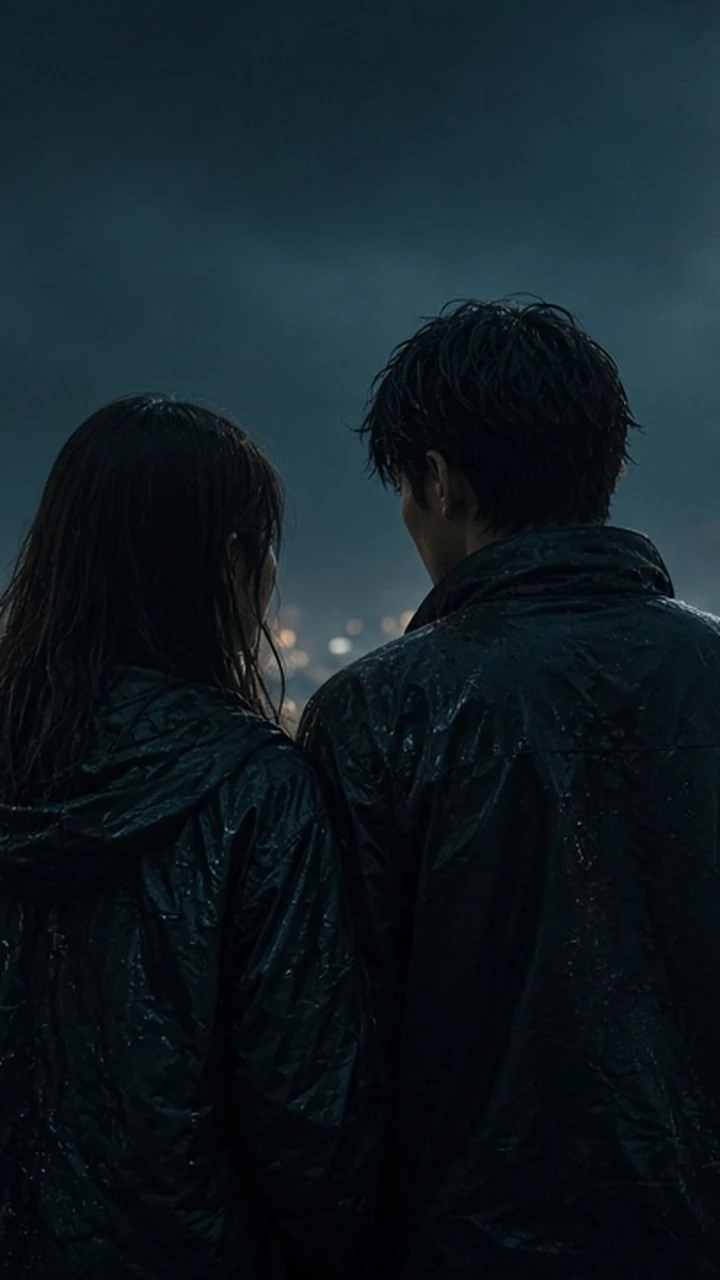
Zombie love story Grok Imagine
To make a zombie love story Grok Imagine edit, pin matching 9:16 opening, interior, and closing stills on grok-imagine-video-1.5 with duration 12 and generate_audio=false, or animate each still separately and trim the beats into a silent twelve-second edit.
What Grok Imagine video is, and what is live here
Grok Imagine is the name of the consumer image and video product at grok.com/imagine. This guide follows the documented xAI API generation path; we have not tested a logged-in consumer workflow. We are independent and have no affiliation with xAI or Grok Imagine. The official pages in Sources explain the model capabilities and request fields used here.
Our story target is approximately twelve seconds, silent and vertical 9:16: a ruined world, a gun that never fires, a hug, and a warm-memory match cut. This is our editorial plan, not a Grok Imagine preset. A pinned storyboard gives the model a route through selected pictures; four separate takes give the editor more control over the timing and the final cut.
Our maker is a preview/demo. paidGenerationEnabled is false; checkout is a demo and does not charge. Live paid generation is not connected for mass production. Preview shows a cinematic sample still, not a finished generated MP4, and there is no freeform prompt field. HappyHorse 1.1 R2V via fal remains our intended future provider path; Grok Imagine is a separate DIY option and is not connected to our maker.
Prepare four matching portrait stills
Use images of consenting adults with permission to depict them. Stage one survivor in a charcoal coat on the left and the beloved in a red scarf on the right. Suggest fictional infection through pale makeup and posture, without wounds or gore. Keep the prop gun pointed down and away from both people; it never fires. Prepare a ruined street, a moment of recognition with the prop lowered, a cold embrace, and a warm healthy embrace.
Compose every still at 9:16. Image-to-video output follows the input image aspect; aspect_ratio is ignored on that path. The official text-to-video aspect list does include 9:16, but setting it cannot fix a horizontal starting still. Pinned first-frame output likewise follows the still. Crop and inspect your sources before making requests, leaving space around heads and hands for small movement.
The cold and warm hugs need especially close framing: match cheek angles, shoulder slope, scarf knot, camera height, and left-right positions. Overlay those images in an editor and repair a jump before animation. The official keyframe guidance favors pins that share a scene, made by editing a starting still so only intended details change. Our warm memory changes the setting, so it may work better as a separate take and a deliberate editorial cut.
Our four-beat shot plan mapped to Grok Imagine modes
These are our proposed timeline positions, not a model preset. The single-request route uses grok-imagine-video-1.5, with 12-second duration and silent output.
| Beat and target | Pinned storyboard | Separate take and edit |
|---|---|---|
| 0–3s: ruined world | Pin the street as image at the opening; ask for a small turn and drifting dust. | Use the same portrait as image for an independent image-to-video take; choose a readable opening. |
| 3–6s: gun never fires | Pin the lowered-prop recognition still in keyframes at timestamp_s 3. Keep the action restrained. | Animate the refusal still separately and preserve a pause after recognition. |
| 6–9s: cold hug | Pin the cold embrace at timestamp_s 6; limit hand and camera movement. | Animate the near-embrace still, then select the cleanest contact and hold. |
| 9–12s: warm memory | Pin the warm embrace as last_frame. Inspect the transition: the model interpolates, so an editorial hard cut may communicate memory better. | Animate the matching warm still separately; hard-cut on the aligned shoulder silhouette. |
Build one pinned storyboard request
Submit a generation request to the documented video generation endpoint with model grok-imagine-video-1.5, duration 12, resolution 720p, and generate_audio false. Supply the opening still in image, the two interior stills in keyframes, and the final still in last_frame. A prompt is optional when a frame is pinned; use the creative directions below to describe the movement between pictures, not to promise that every gesture will succeed.
The timestamps 3 and 6 are strictly inside the twelve-second duration and on the one-third-second grid. Up to four interior keyframes are supported; each has image and timestamp_s. Anchors snap to that grid, and two that round to the same slot are rejected. Keep them at least one-third second apart. The first and last pictures belong in image and last_frame, not in the interior array.
This combination is reference-to-video with a pinned first frame, even though image is present. It is capped at 720p, not the native 1080p available for ordinary 1.5 image-to-video. Neither 1.5-lite nor classic grok-imagine-video supports last_frame or keyframes. Do not transfer those fields to either model. A pinned image defines an anchor, not a guarantee that hands, faces, or the intervening movement will be usable.
Original copyable directions for four beats
These are original motion prompts for the optional prompt field. Replace each image placeholder with your own supported public URL, base64 data URI, or Files API file_id in the documented image input format. Use the four directions together as one prompt for the storyboard, or use the corresponding direction with image for a separate take. They are creative text, not special API commands; the maker has no prompt field.
Beat 1 — image: STREET_STILL. Two adults face each other on an empty ruined street. The survivor in a charcoal coat slowly turns toward the beloved in a red scarf. Dust drifts behind them while the camera holds its distance. Tender recognition, no gore.
Beat 2 — keyframes: image REFUSAL_STILL, timestamp_s 3. The survivor keeps the prop gun angled down and away from both bodies, then opens the free hand. The beloved pauses and relaxes their shoulders. Hold their eye contact. The gun never fires; no flash, recoil, injury, or gore.
Beat 3 — keyframes: image COLD_HUG_STILL, timestamp_s 6. The two adults close the small remaining gap and settle into an embrace. A free hand rests gently on the upper back. Keep the scarf knot, screen positions, and shoulder line steady. The prop remains safely down and away.
Beat 4 — last_frame: WARM_HUG_STILL. The healthy adults hold the matching embrace in a peaceful sunlit memory. Their shoulders rise slightly with a quiet breath; leaves stir behind them. Preserve the cheek angle, hand placement, and camera distance for the match cut.
For the combined request, put the actual still inputs in image, keyframes, and last_frame rather than pasting these labels as image data. Set duration to 12, resolution to 720p, and generate_audio to false. Use the beat descriptions as one optional motion prompt. Review the movement around each anchor; if the last transition looks like a transformation rather than a memory, make the warm beat separately and cut to it.
Timing and the separate-takes alternative
For a more controllable edit, make four separate image-to-video requests on 1.5, each with its corresponding image, optional beat prompt, and generate_audio false. Omit last_frame and keyframes for these ordinary image-to-video takes. Set a short duration within the documented 1–15 second range; the default is 8 seconds, so specify your choice. This mode can render 1080p natively on 1.5. Resolution defaults to 480p if omitted.
Start with four 3-second selections: street at 0–3, refusal at 3–6, cold hug at 6–9, and memory at 9–12. These are editor positions, not guaranteed usable source windows. Move the in and out points to protect the survivor’s pause and the settled embrace. Borrow time from the street if recognition needs room. Cut on the matching shoulder line rather than forcing a dissolve; the sudden change of light can read as memory.
The API is asynchronous: submit the request, retain its request_id, and poll until done or failed. Download the result promptly because returned video URLs are temporary. Inspect the downloaded clip, then trim to the target in an editor. Request silence with generate_audio false; if any clip still has sound, mute or strip it before export. Watch the finished file silently to check that the story reads without dialogue.
DIY Grok Imagine versus our maker
Choose based on the work you want to do and what the preview actually provides.
| Decision | DIY documented API | Our maker today |
|---|---|---|
| Inputs | Portrait stills, optional motion prompt, and optional pinned endpoints or interior frames on 1.5. | Two photos as creative reference in a fixed preview flow. |
| Direction | You choose requests, review takes, and edit the four beats. | Four fixed beats; no freeform prompt field. |
| Output | Download temporary results, select and trim takes, and verify the silent export. | Preview shows a cinematic sample still, not a finished generated MP4. |
| Availability | Use your own API workflow and assess each result. | Checkout is a demo and does not charge; live paid generation is not connected for mass production. |
Lengths, limits, and alternatives
On 1.5, reference-to-video can use up to 14 reference images, lasts up to 15 seconds, and reaches 720p. References guide people, objects, clothing, or locations without locking the opening frame. In a prompt they are addressed as <IMAGE_0>, <IMAGE_1>, and so on; when image pins the first frame, that pin occupies <IMAGE_0> and references start at <IMAGE_1>. Add references only if they help preserve the story; compare the resulting faces and clothes against your sources.
Lite supports text-to-video and image-to-video, including an opening still as the first frame, but not references, last_frame, or keyframes. Classic grok-imagine-video supports references with different limits and is the model documented for video editing and extension; those operations are not 1.5 storyboard controls. Avoid assuming a field supported by one model works on another. None of these controls guarantees a clean hug, a consistent identity, or a usable match cut.
If this workflow is the wrong fit, compare Midjourney, Hunyuan, HappyHorse, Seedance, Wan, Vidu, Hailuo, PixVerse, Veo, Sora, Kling, Runway, Luma, and Pika in the guides below. Each maps the same story to different inputs and limits. Or open /create to inspect our fixed story preview. Switching tools does not turn the demo into a live production service. Compare Firefly in the guide below. Compare Higgsfield in the guide below. Compare Marey, LTX, Leonardo and Nova Reel in the guides below.
Final checks before sharing
- Watch silently: ruined world, gun never fires, hug, warm-memory match cut. Reject firing, injury, and gore.
- Compare faces, fingers, scarf, shoulder alignment, and left-right order across the joins; replace a broken take.
- Check the portrait crop and audio track, download temporary results promptly, and keep the source stills and edit together.
- Use consenting adult references, label the result as AI fiction, and distinguish the DIY video from our preview sample still.
- Zombie love story Marey
- Zombie love story Nova Reel
- Zombie love story Leonardo
- Zombie love story LTX
- Zombie love story Higgsfield
- Zombie love story Firefly
- Walk the maker
- Zombie love story Midjourney
- Zombie love story Hunyuan
- Zombie love story HappyHorse
- Zombie love story Seedance
- Zombie love story Wan
- Zombie love story Vidu
- Zombie love story Hailuo
- Zombie love story PixVerse
- Zombie love story Veo
- Zombie love story Sora
- Zombie love story Kling
- Zombie love story Runway
- Zombie love story Luma
- Zombie love story Pika
Zombie love story Grok Imagine FAQ
How do I make a zombie love story with Grok Imagine?
Prepare matching portrait stills, pin the opening, interior beats and closing still on 1.5, request a silent twelve-second clip, and inspect and trim it; alternatively edit separate image-to-video takes.
Can I pin the first, middle, and last frames?
Yes, on grok-imagine-video-1.5 use image, up to four interior keyframes, and last_frame. This combined reference-to-video path is capped at 720p. Lite and classic do not support keyframes or last_frame.
Does image-to-video obey aspect_ratio?
No. Image-to-video follows the input still’s aspect ratio, so compose the source in 9:16 for this portrait plan.
How do I request a silent clip?
Set generate_audio to false. If a downloaded clip still has sound, mute or strip the track in your editor and check the export.
Can your maker generate these Grok Imagine clips today?
Our maker is a preview/demo with no freeform prompt field. It shows a cinematic sample still, not a finished generated MP4. Checkout does not charge, and live paid generation is not connected for mass production.