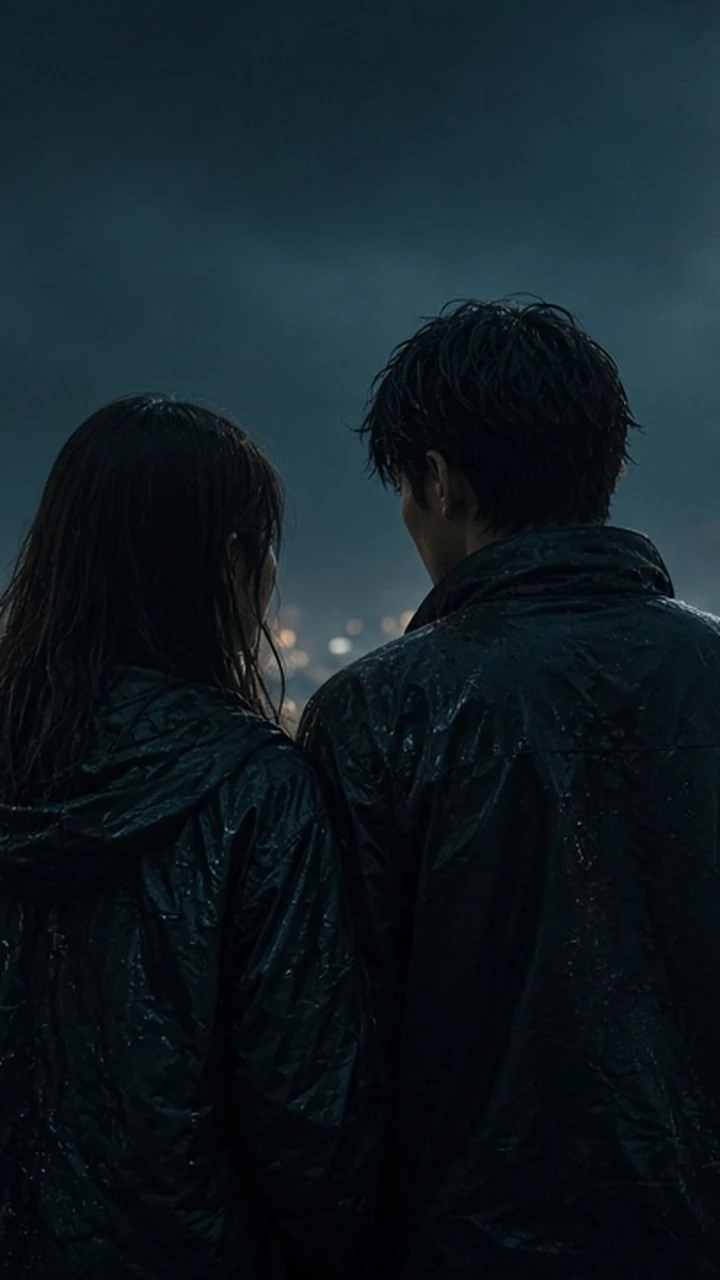
Zombie love story Seedance
To make a zombie love story Seedance edit, compose eligible matching cold and warm stills, animate the four beats with first-frame or first-and-last-frame image-to-video, then trim them into a silent vertical sequence.
What Seedance is, and what this guide covers
Seedance 2.0 is ByteDance Seed Team’s video creation model; the official launch post is dated 2026-02-12. This guide uses the Dreamina Seedance 2.0 series on BytePlus ModelArk for concrete mode names and settings. We are independent and have no affiliation with ByteDance Seed, BytePlus, or Dreamina. Sources below identify the official product and API documentation.
The official product combines text, image, audio, and video input. ModelArk documents text-to-video, first-frame image-to-video, first-and-last-frame image-to-video, omni reference, video editing, and video extension for the 2.0 series. Those are different ways to supply a scene, not ready-made zombie romance templates. Our recommended route begins with composed stills and gives each emotional action its own review.
Our target is about twelve seconds, silent and vertical 9:16: ruined world, gun never fires, hug, warm-memory match cut. That is our editorial design, not a Seedance preset. ModelArk supports integer durations from 4–15 seconds and 9:16 output, so a twelve-second request fits, but duration alone does not arrange the four beats. Set generate_audio: false for the silent edit; we do not assume an audio default.
Prepare eligible stills before planning motion
The official portrait restriction comes first: Seedance 2.0 series models do not support direct uploads of reference images or videos containing real human faces. ModelArk lists trusted model outputs, preset digital characters, or authorized real-person assets as official paths. A DIY workflow starting from your own selfie may be blocked unless one of those paths applies. Consent alone does not establish API eligibility; do not disguise a selfie or invent another upload workaround.
Within an applicable official path, plan consenting adult characters only, with no celebrities or minors. Compose four stills: a deserted tram shelter, a lowered-gun refusal, a cold embrace, and a warm embrace at the same shelter before its ruin. Keep A on the left and B on the right. Give A a rust scarf and B a dark jacket. Suggest infection with pale skin and tired posture, without wounds or gore.
Use matching vertical crops before animation. Overlay the cold and warm embraces and compare the scarf knot, shoulder line, cheek angle, and hand positions. Repair a mismatched pose in the still plan rather than hoping motion will hide it. ModelArk warns that mismatched input and output shapes can stretch or compress first-frame or first-and-last-frame clips; its remedies are cropping to a supported size or choosing ratio: adaptive. For our vertical plan, prepare 9:16 stills and request ratio: 9:16.
Our four-beat shot plan mapped to Seedance 2.0 modes
These request lengths are planning choices inside the documented range. Generating extra material gives you trim handles; it does not guarantee the requested gesture lands on a particular second.
| Edit beat | Mode and input | Motion to review | Keep in final edit |
|---|---|---|---|
| Ruined world | First-frame I2V from the cold shelter two-shot; request 6 seconds, generate_audio: false. | A recognizes B across the empty platform; restrained camera movement. | 0–3s: establish separation and recognition. |
| Gun never fires | Separate first-frame I2V from the refusal still; request 4 seconds, silent. | A lowers the weapon away from B; no flash, recoil, or discharge. | 3–5s: retain the clear decision. |
| Hug | First-frame I2V from the composed cold embrace; request 6 seconds, silent. | A and B settle into the hug without changing screen sides. | 5–9s: select the calmest contact and hold. |
| Warm memory | Separate first-frame I2V from the warm embrace; request 4 seconds, silent. Optional first-and-last-frame bridge uses cold and warm endpoints. | Match the shoulder silhouette; reject infection fading gradually into healthy skin. | 9–12s: hard cut into warmth, then hold. |
Choose endpoints or references deliberately
For first-frame I2V, ModelArk accepts one image_url with role first_frame or the role omitted. For the optional cold-hug to warm-hug bridge, supply two image_url objects with required roles first_frame and last_frame. The official guidance says to use this mode when strict first/last frame consistency matters, rather than relying on an omni-reference prompt alone. Endpoint control still leaves the movement between them to inspect.
Omni reference is useful when you need approved visual assets to inform composition or motion rather than define ordered endpoints. In prompts, refer to Image 1 or Video 1 according to the one-based order of that asset type in the request content array; Asset IDs are not supported as prompt references. For this story, a reference collage is not a substitute for composing the two embrace frames. Keep a separate warm take even if you experiment with a bridge.
Original copyable prompts: one action per take
Use these as DIY motion instructions with the eligible still assigned to the appropriate input mode. They are our shot directions, not official examples or guaranteed controls. Keep the same character descriptions throughout. Our maker has no freeform prompt field, so these prompts belong in your own Seedance workflow.
Beat 1 — recognition: “Vertical fictional scene at a ruined tram shelter in cold blue daylight. Adult A, rust scarf, stands left; adult B, dark jacket and pale infected appearance, stands right. Preserve the supplied composition. A notices B and stops walking. B raises their eyes slightly. A gentle forward camera drift ends before either person touches. No rushing, wounds, gore, text, or extra people.”
Beat 2 — refusal: “Continue the cold shelter scene from this still. Adult A recognizes their beloved and slowly lowers the gun toward the empty ground, away from both bodies. B stays still with open hands. Keep both faces and the rust scarf stable. One restrained decision, readable in silhouette. The gun never fires: no muzzle flash, recoil, projectile, impact, injury, or threatening lunge. Hold after the weapon is lowered.”
Beat 3 — embrace: “Begin with the supplied cold embrace. A stays left, B stays right. Their arms settle gently around each other; the scarf rests against B’s dark jacket. Keep the camera nearly still and both shoulders at their starting height. B remains visibly pale, without wounds. Small breathing movement only after contact. No weapon between them, no new hands, no face replacement, no spinning camera.”
Beat 4 — memory: “Begin from the supplied warm embrace at the intact tram shelter. The same adult couple holds the same shoulder and cheek positions, A left with the rust scarf, B right in the dark jacket. Both look healthy in amber evening light. Hold the embrace with slight breathing and a calm camera. No ruins appearing, no infected skin transformation, no dissolve, captions, or new people.”
If testing a first-and-last-frame bridge, describe a restrained transition between the supplied cold and warm embraces, but judge the result against the intended cut. A slow skin transformation changes the story from memory to cure. Discard that middle portion and use separate takes when necessary; an endpoint request does not replace editorial judgment.
Timing and trimming: make the refusal legible
Build the timeline before choosing your prettiest shot. Reserve seconds 0–3 for the ruined world, 3–5 for refusal, 5–9 for the hug, and 9–12 for memory. These are our trim targets, not required model timings. If recognition takes too long, remove the walk-in rather than borrowing time from the lowered gun. The audience needs to see a decision before the embrace.
A lean alternative is two silent six-second first-frame jobs: one cold sequence and one warm embrace, trimmed and rearranged into the same twelve-second timeline. Try that only when the cold take clearly contains recognition, refusal, and contact. If refusal disappears into an ambiguous hand movement, use the separate refusal job in the table. Do not ask one first-frame take to morph the infected character into a healthy person.
At the memory cut, align the scarf knot and shoulder edge instead of matching the backgrounds. Cut on settled contact, then let warmth supply the change. Avoid a flash that could read as gunfire. Watch the export without sound or explanatory captions. If the refusal cannot be understood, revise that shot rather than adding narration to explain what the picture missed.
Seedance DIY versus our maker
We have no affiliation with Seedance or BytePlus. The maker is a separate preview/demo experience, not a live paid Seedance integration.
| Decision | DIY Seedance workflow | Our maker today |
|---|---|---|
| Inputs | Prepare assets eligible under the official portrait rules and choose a mode. | Two photos serve as creative reference in the preview flow; we do not claim Seedance accepts them as-is. |
| Creative control | Write prompts, choose endpoints, review takes, and edit manually. | One world and four locked beats; there is no freeform prompt field. |
| What appears | Inspect your generated clips and assemble the finished edit yourself. | Preview shows a cinematic sample still, not a finished generated MP4. |
| Availability | Use your own eligible ModelArk workflow; this guide quotes no prices or credits. | paidGenerationEnabled is false. Checkout is a demo and does not charge; live paid generation is not connected for mass production. |
Lengths, limits, and alternatives
ModelArk documents MP4 output at 24 fps. The standard Seedance 2.0 model supports 480p, 720p, 1080p, and 4K; Fast and Mini support 480p and 720p only. Only standard 2.0 supports 4K, which uses 10-bit H.265/HEVC and may not play directly in some browsers or players. For this small vertical edit, our suggested review setting is 720p; higher resolution cannot repair a missing decision or a drifting face.
The 2.0 series does not support draft mode or offline flex inference. Do not plan a draft pass around those controls. A successful request also does not promise stable hands, exact gestures, or a convincing emotional cut; those are our acceptance checks, not documented guarantees. Keep the source stills and selected takes so you can replace a weak beat without rebuilding everything.
If the input restriction or workflow is the wrong fit, compare our HappyHorse, Wan, Vidu, Hailuo, PixVerse, Veo, Sora, Midjourney, Kling, Runway, Luma, and Pika guides. They map the same story to other workflows; read their individual limits before choosing. Or walk /create to inspect our fixed story preview. Changing tools does not turn our demo into live paid production. Compare Grok Imagine in the guide below. Compare Firefly in the guide below. Compare Higgsfield in the guide below. Compare Marey, LTX, Leonardo and Nova Reel in the guides below.
Final checks before sharing
- Watch silently: ruined world, refusal, embrace, and memory must be clear in that order. Reject gunfire, flashes, recoil, gore, and injury.
- Compare faces, fingers, scarf, screen direction, and shoulder alignment across cuts. Keep only takes whose motion serves the story.
- Confirm asset eligibility under the official portrait paths, consent from depicted adults, and permission for every reference. Label the finished work as AI fiction.
- Export the edited vertical timeline, reopen it, and check the actual file. A cinematic sample still in our maker is not proof that a generated MP4 exists.
- Zombie love story Marey
- Zombie love story Nova Reel
- Zombie love story Leonardo
- Zombie love story LTX
- Zombie love story Higgsfield
- Zombie love story Firefly
- Zombie love story Grok Imagine
- Zombie love story Midjourney
- Zombie love story HappyHorse
- Zombie love story Hunyuan
- Walk the maker
- Zombie love story Wan
- Zombie love story Vidu
- Zombie love story Hailuo
- Zombie love story PixVerse
- Zombie love story Veo
- Zombie love story Sora
- Zombie love story Kling
- Zombie love story Runway
- Zombie love story Luma
- Zombie love story Pika
Zombie love story Seedance FAQ
How do I make a zombie love story with Seedance?
Prepare eligible cold and warm stills, animate recognition, refusal, embrace, and memory with first-frame jobs, then trim a silent four-beat edit. Use first-and-last-frame mode when testing a controlled endpoint bridge.
Can I upload my own selfie to Seedance 2.0?
Direct reference uploads containing real human faces are unsupported. ModelArk lists trusted model outputs, preset digital characters, or authorized real-person assets as official paths. Your selfie workflow may be blocked unless an official path applies.
Is twelve seconds a Seedance zombie template?
No. It is our editorial target. ModelArk supports 4–15-second integer durations and 9:16 output; you still plan and edit the four beats yourself.
How do I keep the trend edit silent?
Set generate_audio: false in the ModelArk request and verify the downloaded take. We recommend a silent timeline and do not assume the model’s audio default.
Can I paste these prompts into your maker?
No. Our maker has no freeform prompt field. It is a preview/demo showing a cinematic sample still; checkout does not charge, and live paid generation is not connected for mass production.