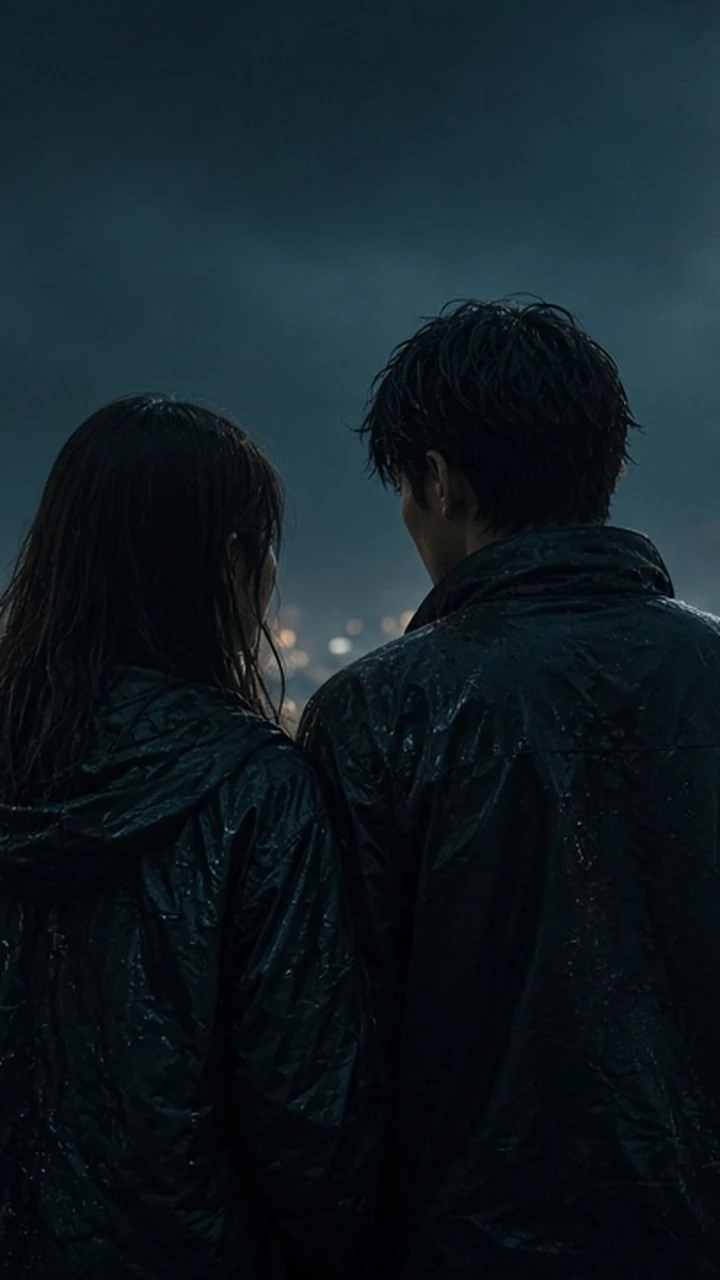
Zombie love story Nova Reel
To make a zombie love story Nova Reel edit, prepare four matching 1280x720 PNG or JPEG stills, open the Amazon Bedrock Image / Video playground or async API, select Amazon Nova Reel v1.1, run a six-second TEXT_VIDEO job for each still as a starting key frame with a caption-style motion prompt, then crop the takes to 9:16 and trim them into a silent twelve-second sequence.
What Nova Reel, TEXT_VIDEO and Storyboard offer
Amazon Nova Reel is Amazon’s video generation model in the Nova family, available through Amazon Bedrock. Its image-to-video path uses an input reference image as the starting key frame and follows a text prompt for the motion. TEXT_VIDEO creates a single six-second shot. For a longer image-led sequence, MULTI_SHOT_MANUAL and the console Storyboard let you supply an image and prompt for individual six-second shots.
We are independent and have no affiliation with Amazon. This comparison follows the official AWS documentation linked below; we have not tested a logged-in Bedrock workflow. The Version 1 guide documents Amazon Nova Reel v1.1 and model ID amazon.nova-reel-v1:1. AWS also has a separate Nova 2 guide; our method follows the documented Version 1 Reel workflow.
Our target is an editorial plan: about twelve seconds, vertical 9:16 and silent, with a ruined world, a gun that never fires, a hug and a warm-memory match cut. Those are our choices, not Nova Reel settings. Our maker is a preview/demo: paid generation is disabled, checkout does not charge and live paid generation is not connected for mass production. There is no freeform prompt field; preview shows a cinematic sample still, not a finished generated MP4. HappyHorse 1.1 R2V via fal remains our intended future provider; Nova Reel is a separate DIY comparison.
Prepare four matching landscape starting key frames
Use images you have rights to and depict consenting adults. Plan a ruined street, a moment of refusal, a cold embrace and the same embrace in a warm memory. Keep faces, clothing and a red scarf recognizable across the four stills. Suggest the fictional zombie through pale makeup and posture, with no gore. The prop rifle stays pointed down and away from people; the gun never fires.
Nova Reel accepts input images only at 1280x720, as PNG or JPEG with 8-bit RGB channels. A PNG may have an alpha channel, but its pixels must not be transparent or translucent. If a source composition is vertical, crop or pad it into a 1280x720 canvas before use; there is no documented portrait input size. Check that any padding is opaque. Images supplied through S3 cannot exceed 25 MB.
Because the final crop will discard much of the sides, keep the couple, hands and scarf inside a central 9:16 safe area of the landscape image. Preview that crop before generating; a tight portrait crop can make a two-person hug difficult to read. For the final pair, overlay the cold and warm stills in an editor and align heads, shoulders, hands and camera height. Matching the pose gives you a useful cut point, though it cannot guarantee stable faces or hands in a generated take.
Our four-beat shot plan mapped to Nova Reel
Each row uses one six-second TEXT_VIDEO image-to-video take, or one six-second shot in a four-shot Storyboard. The times below describe our final edit, not model controls.
| Beat and edit target | Starting key frame and motion | Selection for the cut |
|---|---|---|
| 0–3s: ruined world | Adults face each other across a ruined street; dolly out as the scarf stirs. | Choose a readable moment with both figures inside the vertical crop. |
| 3–6s: gun never fires | The survivor holds a lowered, unused rifle pointed toward the ground; static shot as the shoulders relax. | Hold long enough to show the choice, then cut toward the embrace. |
| 6–9s: hug | The adults begin close together; dolly in as their arms settle around each other. | End on a clear pose with both hands and the scarf visible. |
| 9–12s: warm memory | Use the matched embrace in warm light; dolly in as a breath moves their shoulders. | Start on the matching pose and hold the emotional release. |
Run separate TEXT_VIDEO takes
For the API route, use model ID amazon.nova-reel-v1:1 and taskType TEXT_VIDEO. Supply each PNG or JPEG in textToVideoParams.images as the starting key frame, with a caption-style text prompt for that beat. The documented single-shot settings are durationSeconds 6, fps 24 and dimension 1280x720; six seconds is the only supported TEXT_VIDEO duration. Repeat for all four images rather than asking one shot to carry the whole story.
The API uses start_async_invoke() and writes output to an Amazon S3 bucket in your AWS account. The documented permissions for this path are bedrock:InvokeModel and s3:PutObject; bedrock:GetAsyncInvoke and bedrock:ListAsyncInvokes are recommended for tracking jobs. When an invocation completes, its folder includes output.mp4. Review the actual take before choosing its excerpt, because a starting image and prompt do not guarantee a usable gesture or consistent anatomy.
For the console route, open Amazon Bedrock and choose Image / Video under Playgrounds. Choose Select model, provider Amazon and Amazon Nova Reel v1.1, then Apply. The documented Storyboard route below is useful when you want to assign the four images and prompts as separate shots in one longer job. Longer-than-six-second generation requires model ID amazon.nova-reel-v1:1.
Or assemble four shots in Storyboard
In the Image / Video playground, after selecting Amazon Nova Reel v1.1, move Duration (seconds) above 6 and open the Storyboard with the storyboard icon. Add or remove shots until there are four. Add the corresponding input image and motion prompt for each shot, then choose Run. The first shot must include at least a text prompt. Generation runs asynchronously, and the completed video is saved in an Amazon S3 bucket.
The equivalent API task is MULTI_SHOT_MANUAL. Each shot is six seconds and can have its own optional image and a prompt of 1–512 characters. Four shots therefore produce 24 seconds before our edit. If the whole job succeeds, the output includes output.mp4 and individual files such as shot_0001.mp4. Use those shot files to find clean cut points, or work from the combined output.
MULTI_SHOT_AUTOMATED is a different path: it uses a single text prompt for longer video and cannot take an input image. It is therefore a poor match for this four-still continuity plan. A longer single prompt is not a substitute for the four carefully matched starting frames.
Copyable motion prompts for the four beats
Pair each original prompt with its matching still. AWS recommends writing a caption or summary rather than a command, placing camera motion at the beginning or end, and avoiding negation words such as “no”, “not” and “without”. The still carries the look; the prompt describes a small visible change. Each prompt below fits the 512-character per-shot limit. These are starting points, not official presets.
Ruined world: “Dolly out: two adults face each other across a ruined street, a red scarf stirring softly in the breeze. Dust drifts through cool evening light as their eyes meet.”
Refusal: “Static shot: the survivor holds a lowered, unused rifle toward the ground, shoulders easing as the other adult steps closer. The red scarf rests against a weathered coat.”
Hug: “Dolly in: the two adults settle into a gentle embrace, their hands resting on each other’s shoulders. A red scarf shifts slightly between them in the cool light.”
Warm memory: “Dolly in: the same adults hold a close embrace in warm afternoon light, their shoulders rising with a quiet breath. The red scarf rests between their hands.”
The refusal prompt describes the safe pose positively; our editorial rule remains that the gun never fires. Inspect the take, not just the prompt. If the prop moves confusingly or hands drift, simplify the action or adjust the still. AWS suggests keeping a consistent seed while making small prompt changes, then trying different seeds with the same prompt. Compare the result at the intended cut, not only as an isolated clip.
Crop and trim into our silent twelve-second edit
The documented output is 1280x720 at 24 fps in six-second increments. Four separate TEXT_VIDEO takes give you 24 seconds of material, as does a four-shot manual Storyboard; neither is a twelve-second TEXT_VIDEO setting. Begin with roughly three seconds per beat, then give the refusal and embrace enough time to read. Shorten a static moment if the hug needs more room. These are editorial decisions, not promised model behavior.
Crop each landscape take to 9:16 in an editor and reframe around the people. Check the crop through the entire movement: a hand that begins inside the frame can leave it as the camera moves. Cut from the settled cold hug to the matching warm pose, aligning shoulder height and the scarf rather than relying on a transition effect. Remove a warped frame or regenerate a take if the match will not hold.
Watch the sequence silently. Mute or strip audio in your editor if a take has sound; the official sources do not document a Nova Reel mute toggle. The story needs neither lip-sync nor voice references. Export the final vertical sequence and review its opening and ending after the crop.
DIY Nova Reel versus our maker
Compare the work and the outcome available today.
| Decision | DIY with Nova Reel | Our maker today |
|---|---|---|
| Direction | Prepare four landscape starting frames, write prompts and review each take. | Choose two creative-reference photos and walk the fixed four-beat story; there is no freeform prompt field. |
| Timing and delivery | Generate six-second shots, then crop, trim and silence the edit yourself. | The intended story is about twelve seconds; preview shows a cinematic sample still, not a finished generated MP4. |
| Status | A separate Amazon Bedrock console or async API workflow with its own documented inputs. | Preview/demo only: checkout does not charge and live paid generation is not connected for mass production. |
Limits and other paths
Landscape output makes this a deliberate crop-first composition exercise. Small hands near the edges may disappear from the final frame, and a shared scarf or matched pose can change between takes. Starting key frames help establish each scene but do not promise continuity. Make room for revisions and judge the resulting edit on a phone-shaped canvas.
For this image-led plan, TEXT_VIDEO is six seconds per job; MULTI_SHOT_MANUAL supplies longer sequences in six-second shots. The documented automated multi-shot path cannot accept an input image. Check the official AWS sources for the current requirements before using the console or API, and keep the separate crop and edit steps in your schedule.
If Nova Reel is the wrong fit, compare Marey, Leonardo, LTX, Higgsfield, Firefly, Grok Imagine, Midjourney, Hunyuan, HappyHorse, Seedance, Wan, Vidu, Hailuo, PixVerse, Veo, Sora, Kling, Runway, Luma and Pika in the guides below. Each has its own inputs and limits. Or open /create to inspect our fixed story preview; changing tools does not turn the demo into live paid production.
Final checks before sharing
- Watch silently: the ruined world, refusal, hug and warm memory should read without dialogue. The gun never fires; there is no gore.
- Inspect faces, hands, scarf and prop at each cut. Check shoulder alignment across the match cut and the full movement inside the 9:16 crop.
- Confirm the roughly twelve-second timing and silent export; remove any audio in the editor if needed.
- Use images you have rights to, depict consenting adults and make clear that the story is AI fiction.
- Zombie love story Marey
- Walk the maker
- Zombie love story Leonardo
- Zombie love story LTX
- Zombie love story Higgsfield
- Zombie love story Firefly
- Zombie love story Grok Imagine
- Zombie love story Midjourney
- Zombie love story Hunyuan
- Zombie love story HappyHorse
- Zombie love story Seedance
- Zombie love story Wan
- Zombie love story Vidu
- Zombie love story Hailuo
- Zombie love story PixVerse
- Zombie love story Veo
- Zombie love story Sora
- Zombie love story Kling
- Zombie love story Runway
- Zombie love story Luma
- Zombie love story Pika
Zombie love story Nova Reel FAQ
How do I make a zombie love story with Nova Reel?
Prepare four matching 1280x720 PNG or JPEG stills, use each as a starting key frame for a six-second TEXT_VIDEO take with a caption-style motion prompt, then crop and trim the takes into a silent twelve-second edit.
Can TEXT_VIDEO make a twelve-second vertical clip directly?
TEXT_VIDEO supports six seconds and 1280x720 at 24 fps. Our twelve-second 9:16 sequence is an editorial crop and trim, not a model setting.
Can I use an image for every shot in a longer video?
Yes. MULTI_SHOT_MANUAL or the console Storyboard can use an optional input image and prompt for each six-second shot. MULTI_SHOT_AUTOMATED does not accept an input image.
How do I match the cold hug to the warm memory?
Compose the two starting stills with matching shoulders, heads, hands and camera height. Animate small movements, then choose matching frames and cut between them in your editor.
Does your maker generate Nova Reel clips?
Our maker is a preview/demo with no freeform prompt field. It shows a cinematic sample still; checkout does not charge and live paid generation is not connected for mass production.