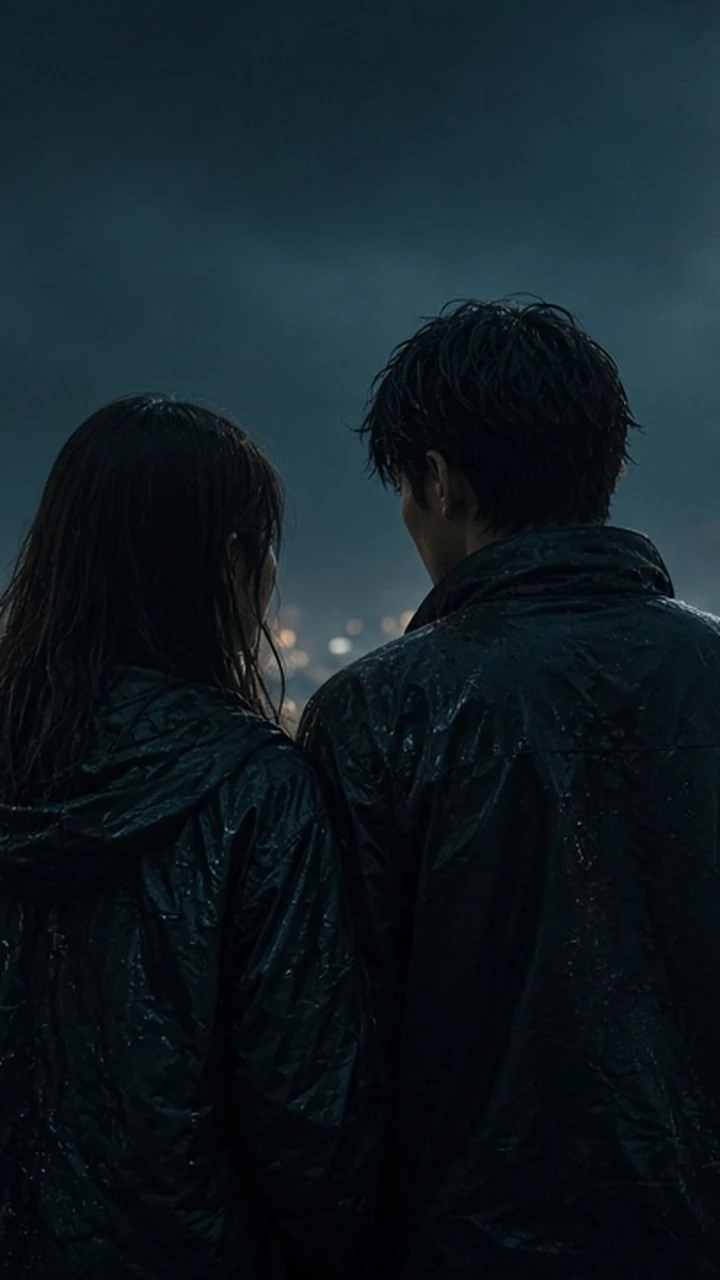
Zombie love story LTX
To make a zombie love story LTX edit, open a Project and Gen Space in LTX Studio, select Image-to-Video in the Video tab, upload each matching 9:16 still as a start frame, choose LTX-2.3, write a motion prompt, optionally choose a Camera Motion Preset or end frame, generate the takes, and trim them into a silent twelve-second sequence.
What LTX is and what is live here
LTX Studio is Lightricks’ visual creative platform, with storyboarding, timeline editing and character tools. LTX-2.3 is its video generation model, also available through the API, open weights and LTX Desktop. The June 2026 Studio Image-to-Video article uses LTX-2.3 as a working default. LTX-2.5 is a newer model documented for the API; the official LTX-Video repository recommends it for new projects. That does not establish a Studio LTX-2.5 selector.
This is an independent comparison guide, not an affiliation with Lightricks or LTX. It draws on the official sources below; we have not tested a logged-in Studio or API workflow. Our target is an editorial plan: about twelve seconds, vertical 9:16 and silent, with a ruined world, a gun that never fires, a hug and a warm-memory match cut.
Our maker is a preview/demo. Paid generation is disabled; checkout is a demo and does not charge, and live paid generation is not connected for mass production. There is no freeform prompt field, and the preview shows a cinematic sample still, not a finished generated MP4. HappyHorse 1.1 R2V via fal remains our intended future provider; LTX is a separate DIY comparison.
Prepare four matching portrait stills
Use images you have rights to and depict consenting adults. Compose four 9:16 stills: a ruined street, a refusal, a cold embrace, and a warm embrace. Keep a red scarf and recognizable clothing consistent. Suggest the fictional zombie through pale makeup and posture, without gore. The prop gun points down and away from people and never fires.
For the two embrace stills, match head positions, shoulder angles, hand placement and camera height. Overlay them in an editor to spot shifts before generating. Leave room around the figures for a crop. LTX recommends clear, well-lit input images of at least 1080px for Studio; its API accepts PNG, JPEG/JPG and WEBP. An image anchors a shot, but review the resulting faces and hands rather than assuming perfect consistency.
Our four-beat shot plan mapped to LTX
The time ranges are our editing targets, not Studio presets. Use a separate start frame for each beat, then select the cleanest portion of each take.
| Beat and target | Studio Image-to-Video / API direction | Editorial choice |
|---|---|---|
| 0–3s: ruined world | Start with both adults apart in a portrait street. Use Static or a subtle Dolly; API camera_motion can be static. | Keep the scarf visible before cutting to recognition. |
| 3–6s: gun never fires | Start with the prop pointed safely down. Ask for a small lowering gesture and a shared look; keep the camera quiet. | Hold the refusal long enough to read; reject firing or recoil. |
| 6–9s: cold hug | Start near contact. Ask for a gentle lean and settling hands; optionally supply an end frame or last_frame_uri with explicit duration. | Choose a clear shoulder silhouette to match the memory. |
| 9–12s: warm memory | Start from the aligned warm embrace, using Static or subtle Dolly and nearly still movement. | Cut on the matching shoulder line; the light change carries the memory. |
Make the takes in LTX Studio
Open a Project and enter Gen Space. In the Video tab select Image-to-Video, upload the matching still as the start frame, choose LTX-2.3, and write a motion prompt. Generate and review the available motion options. Repeat for each still. The image establishes the subject, composition and lighting; describe a camera move, one or two subject movements and, if useful, a little atmospheric movement.
For intimate beats try the documented Static preset, or a subtle Dolly combined with the prompt. Studio also lists Pan, Tilt, Crane and Zoom, but a quiet camera gives the eyes and hands space to tell this story. An optional end frame can guide a transition between two stills. Elements can help reference a saved subject in later shots; Retake can regenerate a selected two-to-sixteen-second window while retaining the rest of the shot.
The June Studio article does not list allowed clip durations or aspect ratios. If the interface offers 9:16 and a long enough take, use them; otherwise crop or trim in an editor, or use the documented API route below. If a Studio take has sound, mute or strip it in the editor. Do not assume a Studio mute control or a twelve-second preset.
Four original motion prompts to copy
Use each prompt with its matching start frame and LTX-2.3 in Studio. Static or a subtle Dolly is optional; the text describes the intended movement, not additional controls. Keep the motion modest so each shot has a usable hold.
Ruined world: A quiet locked camera watches two adults standing apart in a deserted street. Fine dust drifts between them; the survivor notices the familiar red scarf and pauses. Keep both faces visible, with no injury or gore.
Gun never fires: With the camera still, the survivor slowly lowers the prop gun, already pointed down and away from both people. Their eyes meet and they hold the choice. The gun never fires: no flash, recoil, injury or gore.
Cold hug: A subtle forward dolly follows the two adults as they lean gently into an embrace. Their hands settle naturally, the red scarf remains visible, and their shoulders hold a clear silhouette in cool light. No gore.
Warm memory: A locked camera holds the same adults in an embrace in warm afternoon light. Their posture settles almost imperceptibly; preserve the scarf and the aligned heads and shoulders. Let the frame breathe as a peaceful memory.
If an approach distorts the hands, move the start pose closer to contact and ask for less movement. If the cut jumps, revise both embrace stills together. A calm hold can be more useful than a dramatic transition.
Use the official API for documented portrait and silent settings
The official image-to-video endpoint is POST https://api.ltx.io/v2/image-to-video. For a documented portrait take, use model ltx-2-5-fast, image_uri for the first frame, your prompt, duration 12, resolution 1080x1920, fps 24 and generate_audio false. The latter requests silent video. At 720p or 1080p and 24 or 25 fps, this fast model supports twelve seconds; 720x1280 is another documented portrait resolution. The ltx-2-5-pro model documents durations of 6, 8 or 10 seconds, not 12.
You can make one twelve-second take, but separate takes give each beat its own start image and make the match cut easier to control. The fast model also documents 6, 8 and 10 seconds at those settings; trim the useful moments rather than expecting each generation to be a three-second shot. For a start-to-end transition, add last_frame_uri and an explicit duration. Automatic duration cannot be combined with a last frame.
The API accepts image inputs through cloud storage, a public HTTPS URL or a base64 data URI. Sign in to the Developer Console to create an API key and keep it private. Submit with bearer authorization, then poll the image-to-video job until completed and retrieve its video URL; the Quick Start says to wait at least five seconds between status checks. API camera_motion values include static and dolly_in; these are API enum values, distinct from Studio preset labels.
Trim into our silent twelve-second edit
Start with roughly three seconds each for the ruined street, refusal, cold hug and warm memory. These are editing decisions, not LTX duration settings. Place the recognition cut after the scarf is visible. Give the lowered prop a pause, then let the embrace settle before cutting directly to the warm pose.
Scrub the join frame by frame and align the shoulders. Trim out a warped hand, a confusing prop or a face that changes; return to the still or prompt if the usable moment is too short. Crop to 9:16 if needed, remove any Studio audio in the editor, and inspect the exported sequence. The story should read without narration, lip-sync or voice references.
DIY LTX versus our maker
Compare the work and the outcome available today.
| Decision | DIY with LTX | Our maker today |
|---|---|---|
| Direction | Prepare matching stills, write motion prompts and review takes. | Choose two creative-reference photos and walk the fixed four-beat story; no freeform prompt field. |
| Timing and delivery | Generate and edit the takes, crop when needed and make the final sequence silent. | The intended story is about twelve seconds; preview shows a cinematic sample still, not a finished generated MP4. |
| Status | A separate Studio or API workflow with its own documented controls. | Preview/demo only: checkout does not charge and live paid generation is not connected for mass production. |
Limits and other paths
An end frame can help plan a transition, but it does not replace reviewing the take or matching the two independently composed hugs. Studio’s documented article does not list duration or aspect options; the API support matrix is the basis for the specific settings above. A longer take does not guarantee four readable story beats.
If LTX is the wrong fit, compare Marey, Nova Reel, Leonardo, Higgsfield, Firefly, Grok Imagine, Midjourney, Hunyuan, HappyHorse, Seedance, Wan, Vidu, Hailuo, PixVerse, Veo, Sora, Kling, Runway, Luma and Pika in the guides below. Each has its own inputs and limits. Or open /create to inspect our fixed story preview; changing tools does not turn the demo into live paid production.
Final checks before sharing
- Watch silently: the ruined world, refusal, hug and warm memory should read without dialogue. The gun never fires; there is no gore.
- Inspect faces, hands, scarf and prop at every cut. Check shoulder alignment across the match cut.
- Confirm the final 9:16 crop, roughly twelve-second timing and silent export.
- Use images you have rights to, depict consenting adults and make clear that the story is AI fiction.
- Zombie love story Marey
- Zombie love story Nova Reel
- Zombie love story Leonardo
- Walk the maker
- Zombie love story Higgsfield
- Zombie love story Firefly
- Zombie love story Grok Imagine
- Zombie love story Midjourney
- Zombie love story Hunyuan
- Zombie love story HappyHorse
- Zombie love story Seedance
- Zombie love story Wan
- Zombie love story Vidu
- Zombie love story Hailuo
- Zombie love story PixVerse
- Zombie love story Veo
- Zombie love story Sora
- Zombie love story Kling
- Zombie love story Runway
- Zombie love story Luma
- Zombie love story Pika
Zombie love story LTX FAQ
How do I make a zombie love story with LTX?
Use matching portrait stills as Studio Image-to-Video start frames, prompt each beat and trim the selected takes into a silent twelve-second edit. The API offers documented portrait and twelve-second settings.
Does Studio have a documented twelve-second 9:16 preset?
The June 2026 Studio article does not list its allowed durations or aspect ratios. Check the interface, crop or trim in an editor if needed, or use the documented API settings.
Can the API make a silent twelve-second portrait take?
Yes. The documented ltx-2-5-fast combination includes duration 12, resolution 1080x1920 and fps 24; set generate_audio false. The ltx-2-5-pro model documents 6, 8 and 10 seconds.
Can I use an end frame?
Studio describes an optional end frame. The API offers last_frame_uri, which requires an explicit duration rather than automatic duration.
Does your maker generate LTX clips?
Our maker is a preview/demo with no freeform prompt field. It shows a cinematic sample still; checkout does not charge and live paid generation is not connected for mass production.